SEE IT IN ACTION
Watch how the automation works
SEE IT IN ACTION
Why this one is harder than it looks. A desktop application has no URL to navigate and no DOM to query. Browser-only RPA tools stop at the DMS and leave the DPOS half of the job to a person — which means the process is still manual, just partly. Automating both is what makes the workflow genuinely unattended.
The manual routine took roughly five hours of hands-on work every working day. Two systems had to be worked separately, then the outputs combined, enriched and loaded. Below is where that time went.
| Manual step | Time per day |
|---|---|
| Kia DMS login and report download | 30 min |
| DPOS desktop export | 30 min |
| Reshaping into Master and Detailed data | 100 min |
| SLC code enrichment | 50 min |
| Warranty, extended-service and insurance handling | 50 min |
| Database import and verification | 40 min |
| Total | 300 min · 5 hours |
5 hours × 26 working days × 12 months ≈ 1,560 hours a year. That is around 195 working days returned to the team. The automation completes the same work unattended on a schedule, with an acknowledgement email confirming each run.
| Step | Action | System |
|---|---|---|
| 1 | Automated login and navigation | Kia India DMS (web) |
| 2 | Download required DMS reports | Kia India DMS (web) |
| 3 | Drive the application interface | DPOS (desktop) |
| 4 | Export required DPOS reports | DPOS (desktop) |
| 5 | Transform and validate both datasets | Python / Pandas |
| 6 | Generate Master Data and Detailed Data | Python |
| 7 | Apply SLC codes and invoice-category rules | Python |
| 8 | Insert into Master and Detailed tables | SQL database |
| 9 | Send acknowledgement email | SMTP |
Invoice categories are handled separately by design. Warranty, extended-service package and insurance invoices each follow their own treatment before load. Encoding those rules once, in configuration, is what removes the judgement calls that previously sat with whoever happened to be doing the task that day.
| Before | After | Benefit |
|---|---|---|
| ~5 hours of manual work daily | One scheduled, unattended run | ~1,560 hours a year returned |
| Two systems worked by hand | Both driven in a single workflow | No partial automation left behind |
| Desktop export needed a person present | Driven programmatically | No logged-in operator required |
| Rules applied from memory | Rules applied from configuration | Same logic on every run |
| Manual database import | Direct insert into Master and Detailed tables | No re-keying or transcription errors |
| One employee held the process | Runs regardless of who is in | Continuity through leave and turnover |
| No execution record | Acknowledgement email per run | Clear audit trail |

WEB AUTOMATION

WEB AUTOMATION

DATA PROCESSING

DATA MANIPULATION

DATA MANIPULATION

DATABASE INTEGRATION

REPORTING

NOTIFICATION
The extraction and processing layers behind this Kia DMS automation architecture are already built. What changes per dealership is the report set, the SLC code mapping, the invoice-category rules and the target database schema — all configuration rather than redevelopment. The same architecture is live at two Mercedes-Benz dealerships running a different OEM portal, which is the point: the pattern transfers across brands for other dealership RPA needs too.
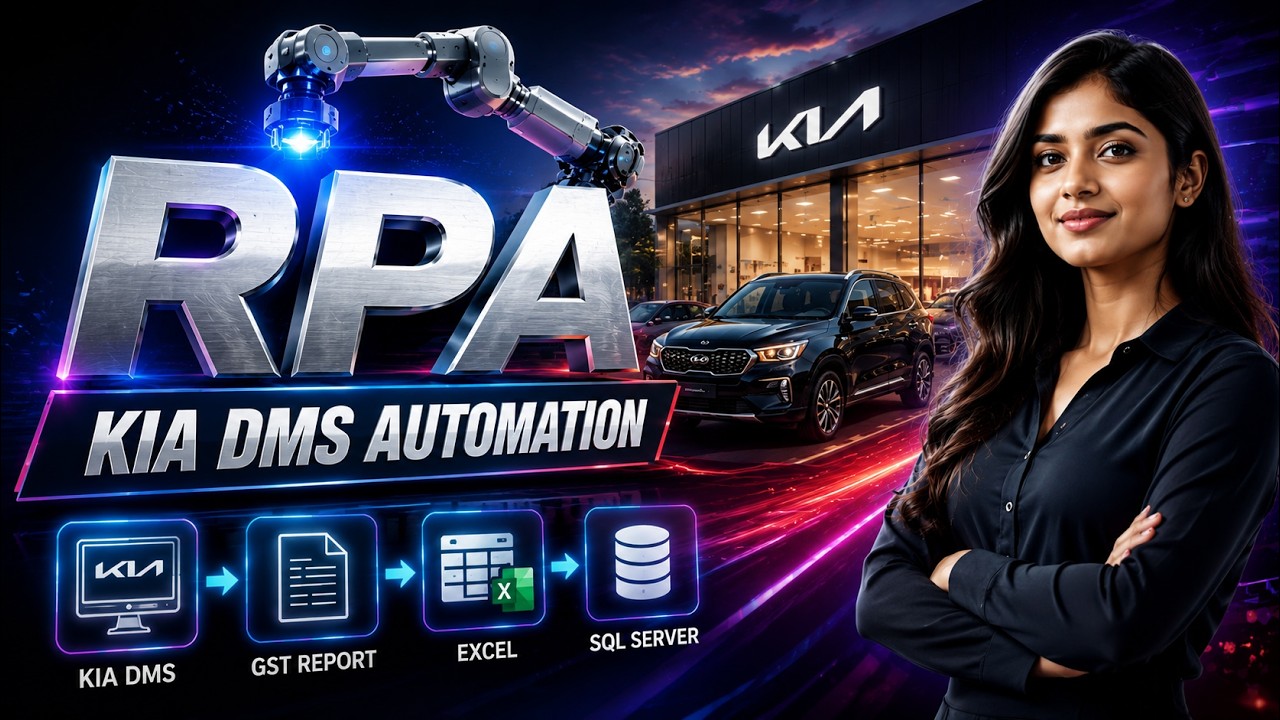
It is the unattended RPA workflow covered in this case study: logging into the Kia India DMS web application and driving the DPOS desktop application to download reports, then processing, coding and loading the data automatically.
Yes. DPOS has no URL or DOM, so native Windows UI automation drives it directly — the same way Robot Framework and Playwright drive the DMS in the browser. That is what separates desktop application RPA from browser-only tools.
An estimated 1,560 hours a year, based on the documented five-hour daily manual routine covering DMS login, DPOS export, data reshaping, SLC coding, invoice handling and database import.
Yes. Once configured, it drives both the DMS and DPOS on a schedule without an operator present, and sends an acknowledgement email confirming each run.
Yes. The extraction and processing layers are reusable; only the report set, SLC mapping, invoice rules and database schema change. The same architecture already runs at two Mercedes-Benz dealerships on a different OEM portal.
Robot Framework and Playwright for the web application, native Windows UI automation for the DPOS desktop application, Python and Pandas for data processing, SQL for database integration, and automated email for run acknowledgement.